You may still be “raising lobsters”? By the end of 2025, OpenClaw began to gain traction, skyrocketing from 0 to over 300,000 stars on GitHub, prompting major domestic companies to follow suit, believing that the era of Agents had arrived. However, the truth is that tinkering with the original OpenClaw has a high barrier to entry; setting up the environment, adjusting APIs, and writing Skills are not feasible without a technical background.
I spent two weeks testing various ready-to-use domestic solutions, from local-first to cloud ecosystems, and compiled this review. In conclusion, for ordinary users who want to avoid configuration hassles, prefer to keep data local, and require complete AI Agent capabilities, domestic agent tools are currently the most worthwhile options to try.
Why Do We Need Domestic Alternatives?
In January 2026, Anthropic’s Claude Cowork brought desktop AI Agents into the public eye—organizing desktops, automatically handling documents, and executing complex tasks across applications. OpenClaw (formerly Moltbot) also quickly gained popularity due to its open-source nature, becoming a hot choice in the tech community.
But problems soon arose:
- Network Barriers: The Claude series requires a stable network environment, posing risks for enterprise use.
- Data Security: Sensitive code and files uploaded to external servers raise privacy concerns.
- Insufficient Localization: Limited support for domestic office software and Chinese language contexts.
This is where domestic desktop AI assistants add value.
They not only address network and data issues but also deeply optimize for local office scenarios.
1. StepClaw
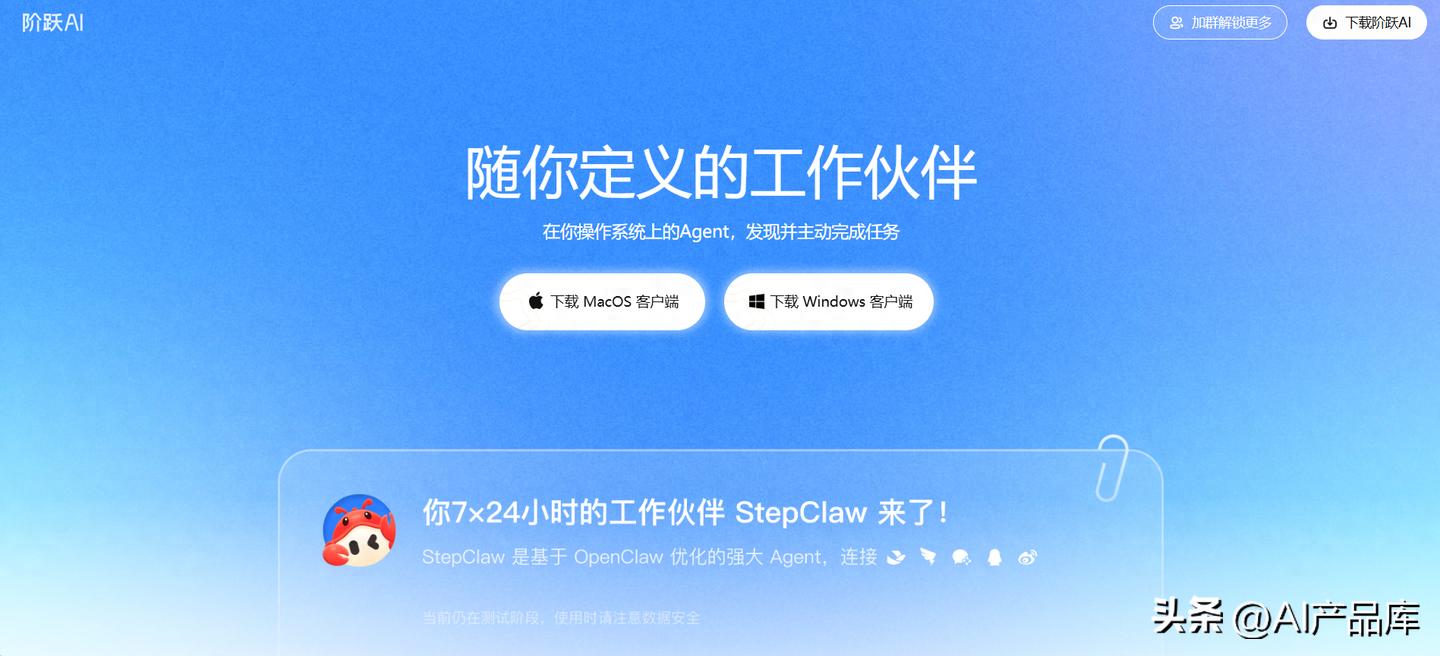
StepClaw is a desktop product deeply customized by Jieyue Star based on OpenClaw, focusing on “zero-configuration out of the box.” It integrates the Jieyue Star Step series (Step 3.7 Flash) large model natively, requiring no API Key setup from users. Frankly, they delivered on this promise. I downloaded the installation package, double-clicked to run it, scanned a QR code to log in, and completed everything in three steps without entering any keys or configuring environment variables.
Practical Experience
From installation to sending my first WeChat message asking the AI to organize meeting minutes took less than 10 minutes. This saved me at least half an hour compared to my previous setup with the original OpenClaw. Sometimes I feel that the time saved is the greatest value—not how powerful the features are, but that you don’t have to spend half a day learning technology just to use them.
Usage Method
- Download the installation package from the official website (available for Windows/macOS).
- Double-click to install, automatically configuring the environment.
- Scan the QR code to log in via WeChat, DingTalk, or Feishu (any one is fine).
- Directly send messages to the AI, such as asking it to organize PDF files on your desktop.
Suitable for: Ordinary users who do not want to tinker with configurations, those needing to keep data local in privacy-sensitive scenarios, and developers already using Jieyue Star’s API. Pricing: Basic features are free, advanced model calls are charged according to Jieyue Star’s official pricing.
2. QClaw (Tencent)
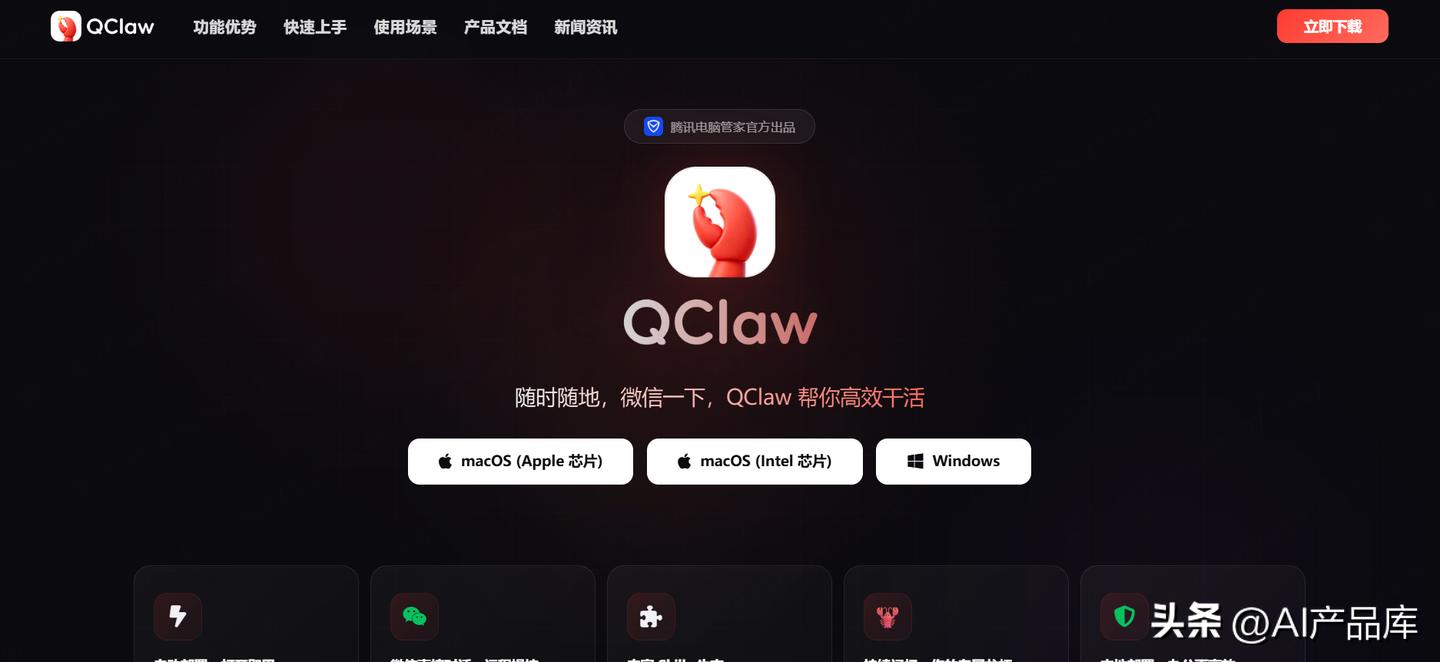
Last week, I tried QClaw, and the best part is that it allows you to bind WeChat with a QR code, enabling remote control of your computer via commands sent from your phone. I used WeChat on the subway to have my office computer organize files, and by the time I arrived at the office, the results were already sent back. This seamless experience is indeed unmatched by other products. Tencent’s Hunyuan large model is built-in, covering most daily office scenarios.
Suitable for: Heavy WeChat users and professionals needing remote control of their computers.
3. AutoClaw (Zhipu)
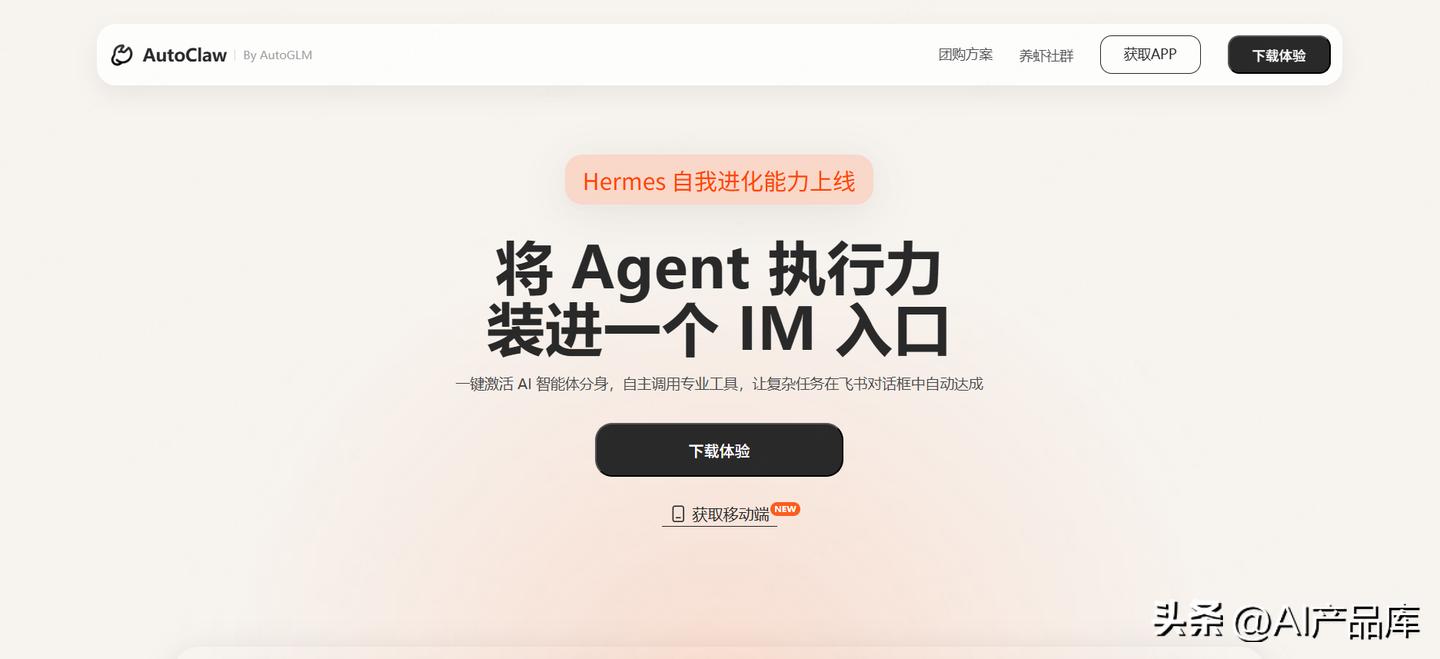
AutoClaw takes a different approach by integrating directly into Feishu. Zhipu embeds Agent execution capabilities into the Feishu chat interface, where you can send a goal, and the AI automatically breaks it down into executable steps, returning the results to the same chat. Local operation ensures data security, alleviating concerns about sensitive files being uploaded to the cloud.
Suitable for: Heavy Feishu users and small to medium enterprises needing team collaboration. Pricing: Free version available, enterprise version charged based on usage.
4. ArkClaw (ByteDance)
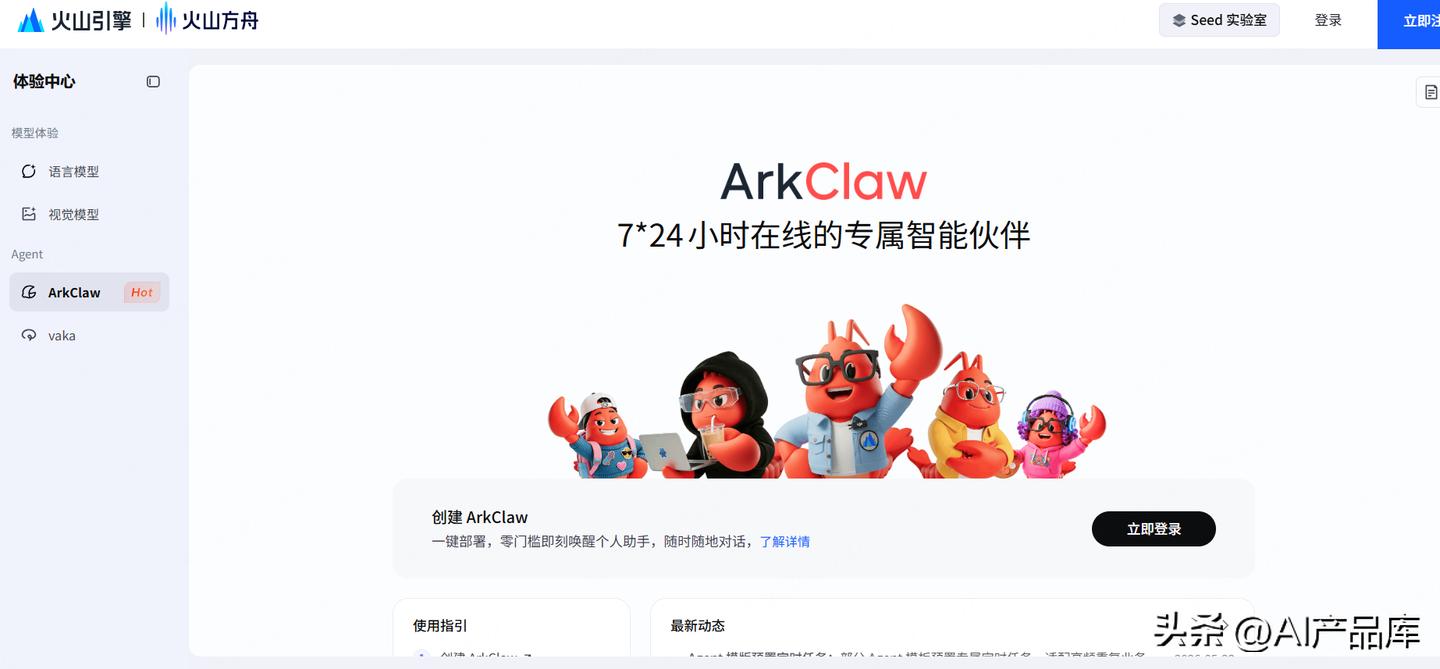
ArkClaw operates on a completely different logic, being purely cloud-based, running 24/7. ByteDance has integrated mainstream large models like Doubao Seed-2.0, requiring no local installations. However, being cloud-based comes with a clear limitation: functionality is restricted by the platform, lacking the deep control over computers that local deployments offer.
Suitable for: Enterprise teams that do not want to maintain a local environment and need cross-device access.
5. MaxClaw (MiniMax)
MiniMax integrates the M2.5 model into the Claw ecosystem, achieving cloud deployment in just 10 seconds, with response speeds being the fastest among several competitors. I tested it, and its long-term memory capability is quite good.
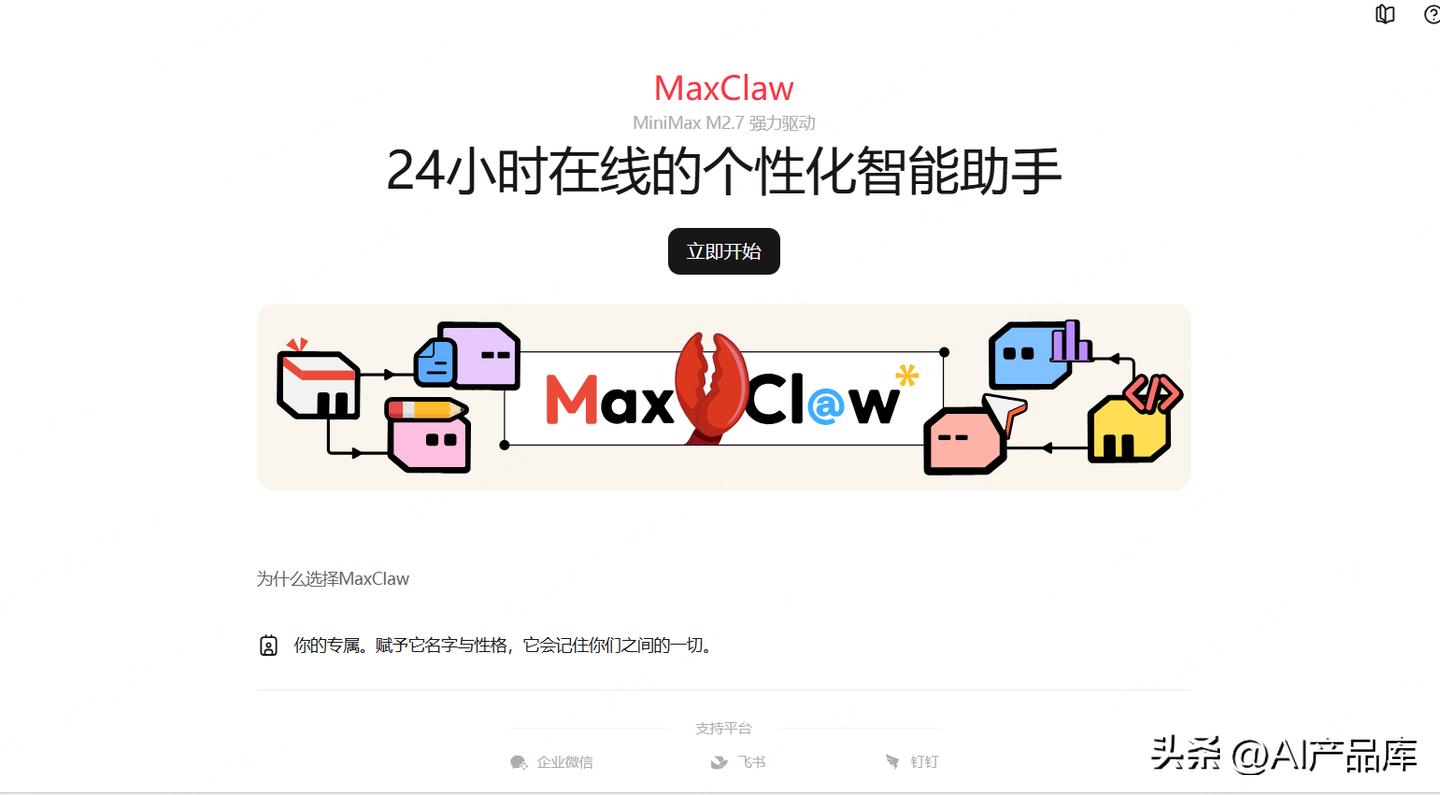
Suitable for: Users seeking fast AI response times and scenarios requiring long-term memory functionality.
6. KimiClaw (Dark Side of the Moon)
KimiClaw excels in processing long texts. I uploaded a 500,000-word industry report, and it quickly extracted key information and generated a summary. With 40GB of cloud storage and RAG retrieval enhancement, this setup is very practical for researchers. However, cloud hosting means data must be uploaded to third-party servers, which privacy-sensitive users need to consider.
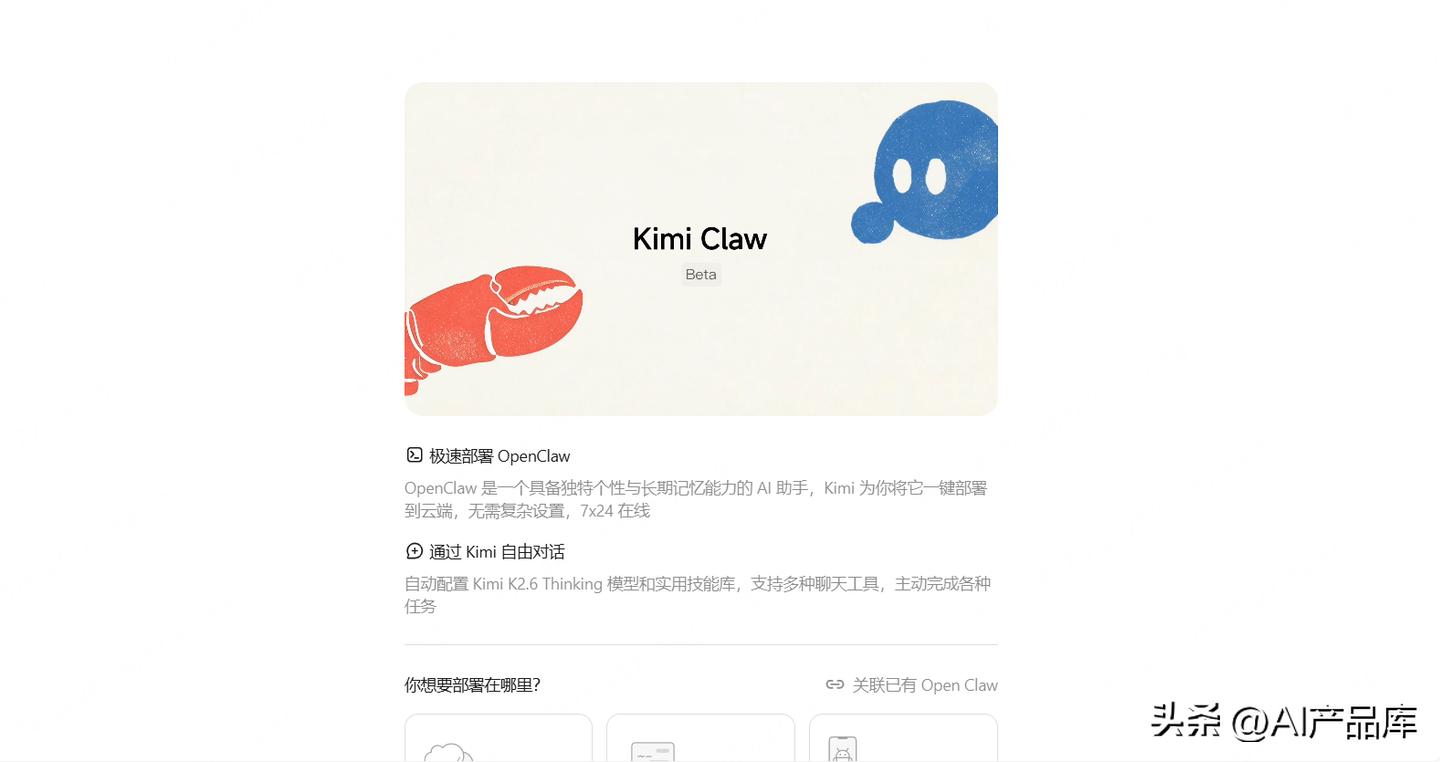
Suitable for: Researchers, knowledge workers, and scenarios requiring the processing of large volumes of documents.
7. Original OpenClaw
With 300,000 stars on GitHub, OpenClaw is completely free and open-source, supporting over 100 Skills plugins and integrating with more than 20 platforms like WeChat, DingTalk, and Feishu. However, the barrier to entry is indeed high; it requires a Node.js 22+ environment, users must set up their own API Key, and install Skills themselves. My experience is that tinkering with the original OpenClaw takes at least half a day, and if problems arise, you can only seek answers on GitHub Issues. The advantage is that you have complete control over your data and can modify it as you wish. I firmly believe that for users with a technical background, the original OpenClaw remains the highest potential choice.
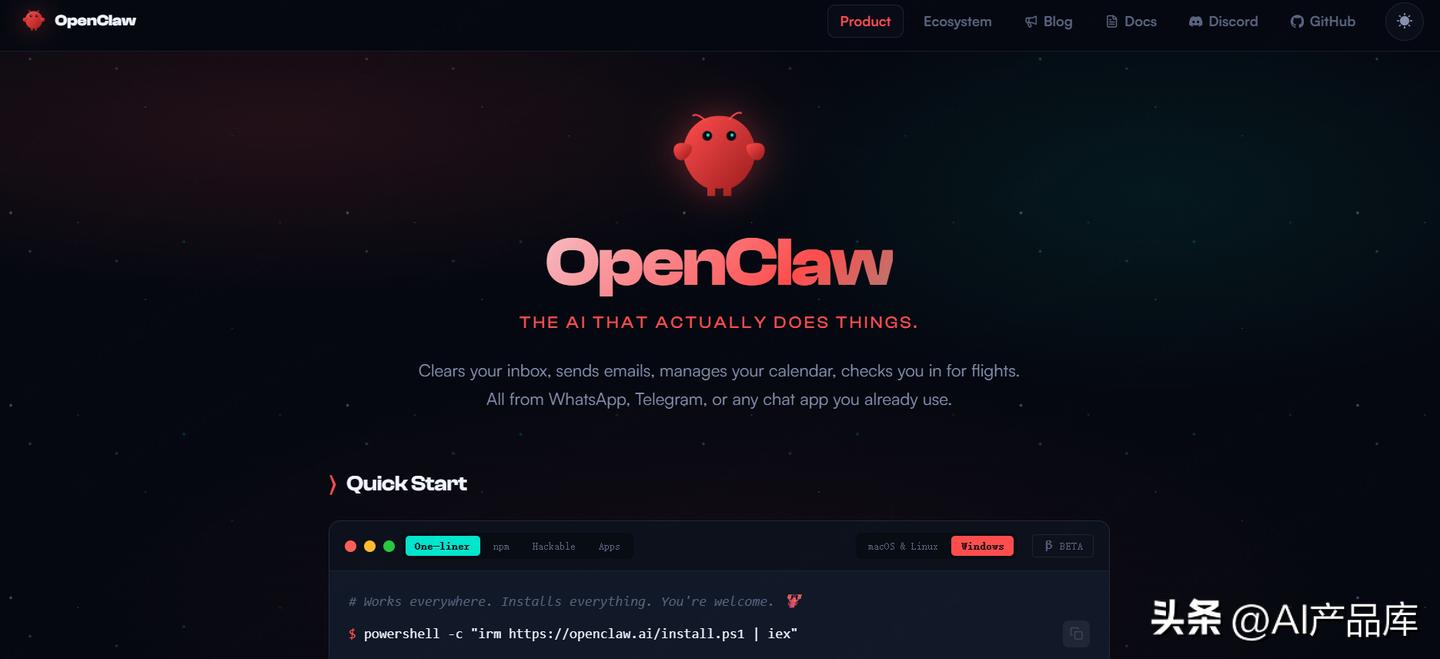
Suitable for: Developers, tech enthusiasts, and scenarios requiring deep customization. Pricing: Completely free and open-source.
My Thoughts: Domestic Desktop Agents Are Rising
From OpenClaw in 2025 to various domestic cloud and desktop intelligent agents in 2026, major companies are racing to catch up in the Agent space. Domestic agents not only solve network and data security pain points but also deeply optimize for the Chinese language context and local office software. Both the products and ecosystems are gradually being filled in. For us, agents are tools, but they are also productivity enhancers. How to use these agents to optimize our work and improve our efficiency still presents significant opportunities and barriers.
Comments
Discussion is powered by Giscus (GitHub Discussions). Add
repo,repoID,category, andcategoryIDunder[params.comments.giscus]inhugo.tomlusing the values from the Giscus setup tool.